

Description
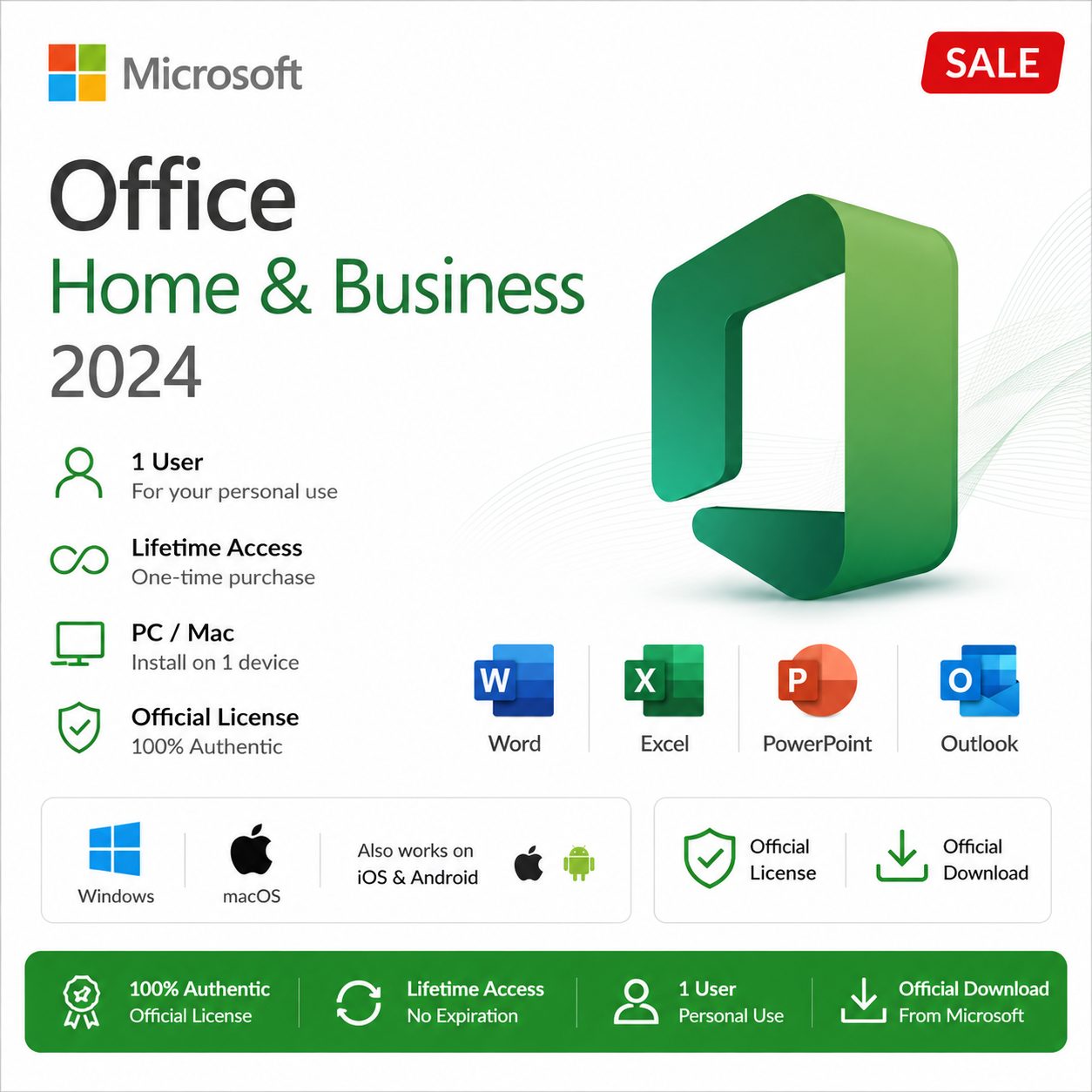
Office 2024 Home & Business
Installation & Activation Guide
Follow these simple steps to install and activate your one-time purchase of Office 2024 on one PC or Mac.
Redeem Your Product Key
Go to https://setup.office.com
Sign in with your Microsoft account (or create a new one).
Enter your 25-character Product Key and click Redeem.
This binds the license permanently to your Microsoft account.
Download Office 2024
After redeeming, go to office.com and sign in with the same Microsoft account.
Click Install apps (or go to Services & subscriptions).
Select Office 2024 Home & Business and click Install.
Download the installer file.
Install the Software
Run the downloaded installer.
Accept the license agreement and follow the on-screen instructions.
Installation usually takes 10–30 minutes.
Activate Office
Open any Office app (Word, Excel, etc.).
Sign in with the same Microsoft account.
The license will activate automatically.
Important Notes
Please note: Once the Product Key is bound to a Microsoft account, the purchase becomes non-refundable and cannot be transferred.




Reviews
There are no reviews yet.