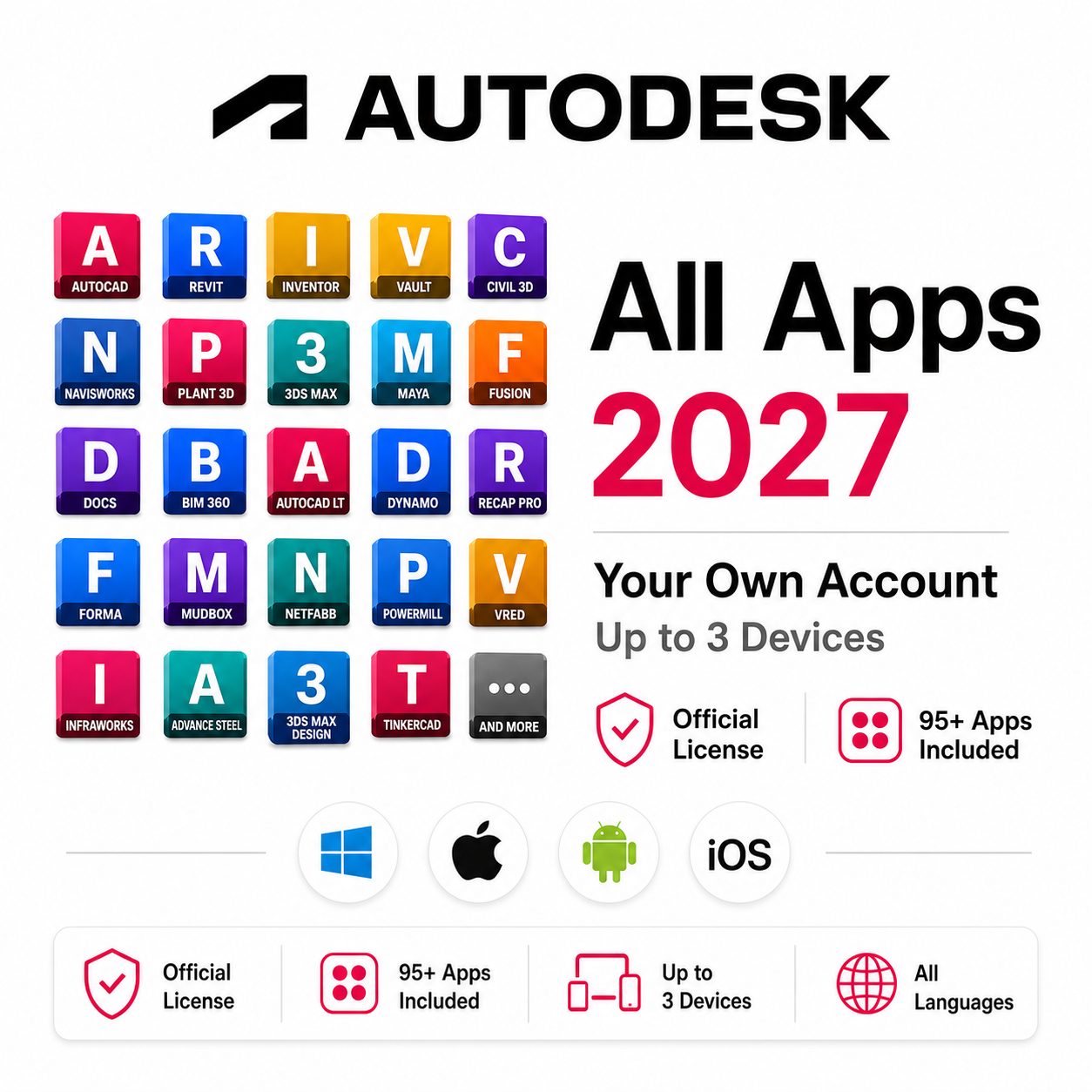
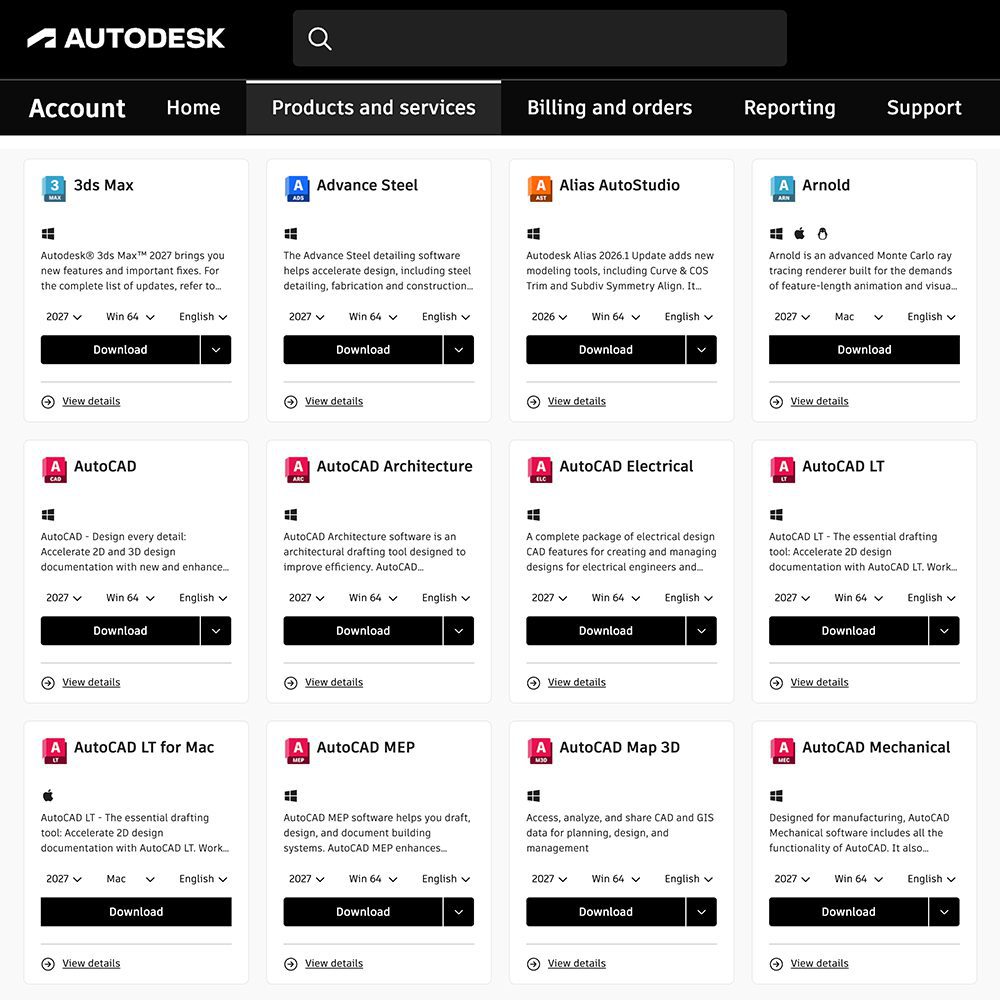
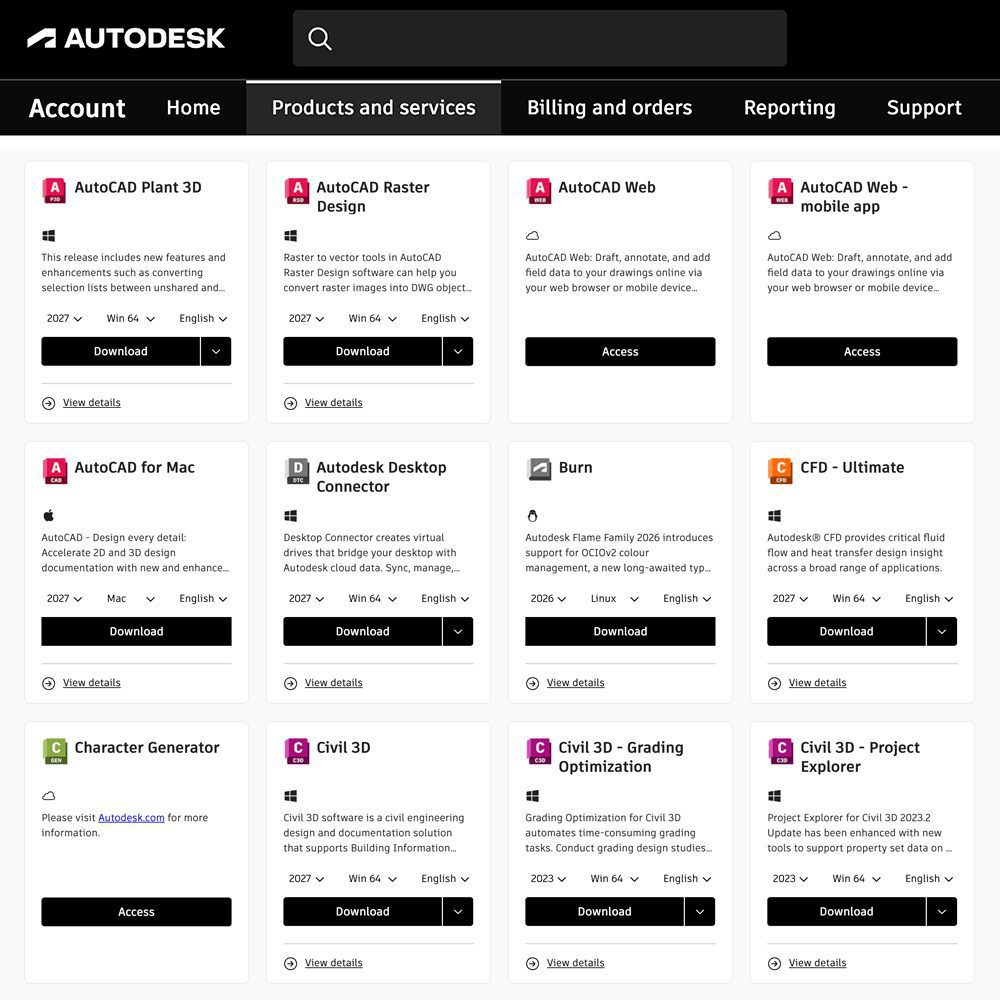
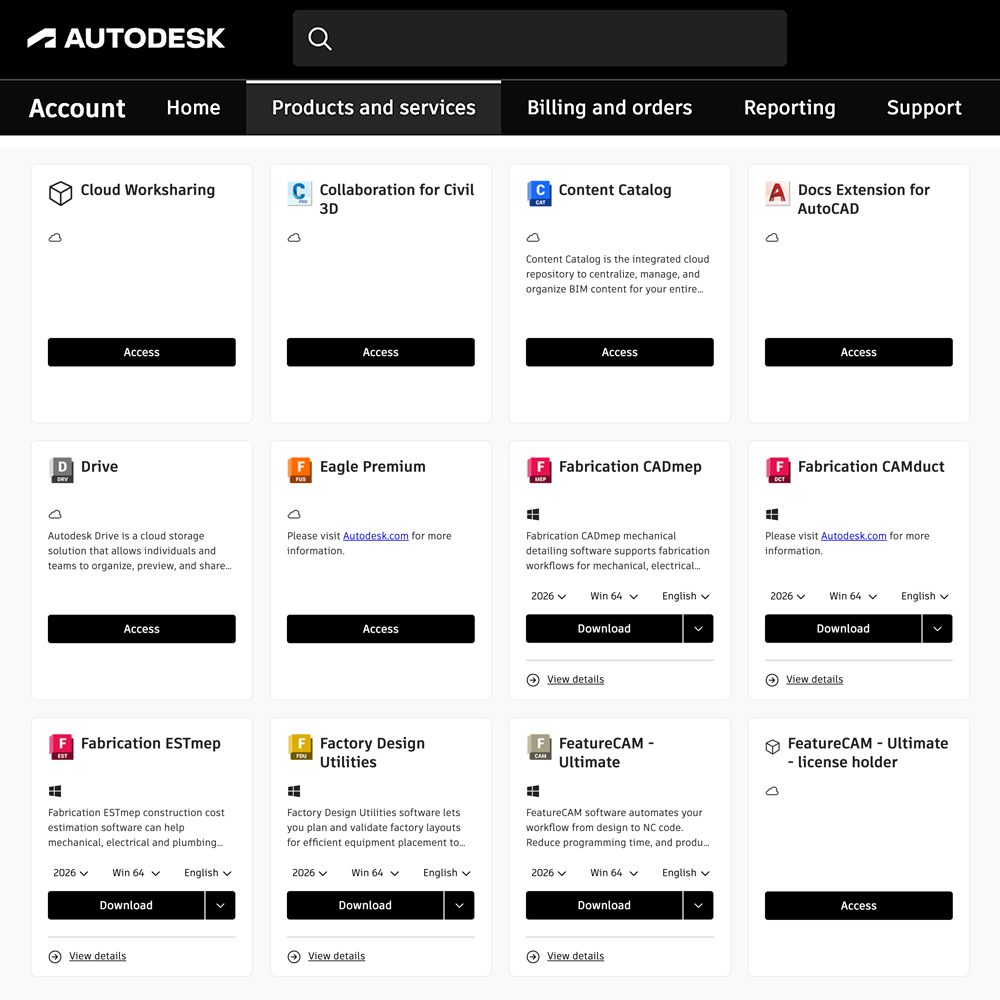
Description
Fast Account Activation
Subscription added to your Autodesk account in about 5 minutes
Place your order using the same email address as your Autodesk account.
After your order is processed, the subscription will be added directly to the Autodesk account associated with that email.
How it works
1
Enter your Autodesk email
Use the email address connected to your existing Autodesk account when placing your order.
2
Complete your order
Choose your subscription period and complete payment through secure checkout.
3
Subscription is added
In most cases, your Autodesk subscription is added to your account in about 5 minutes.
4
Start using your software
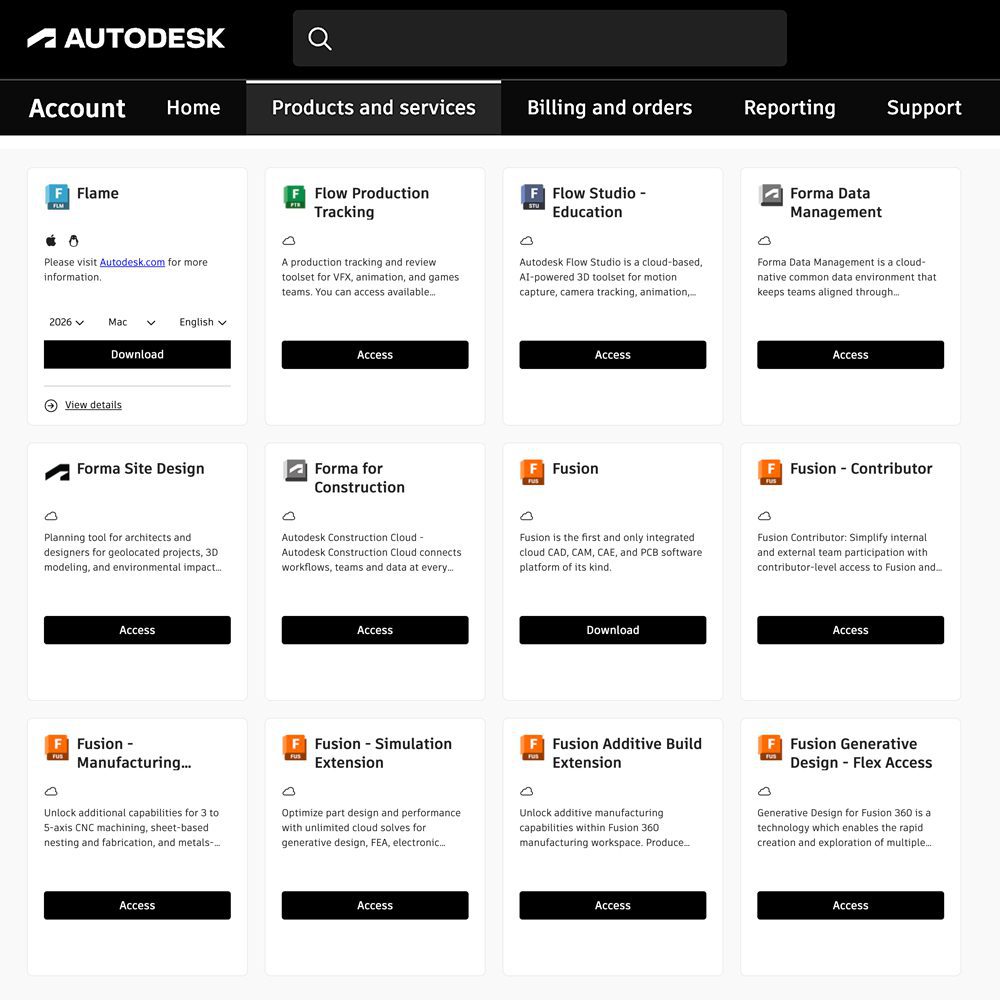
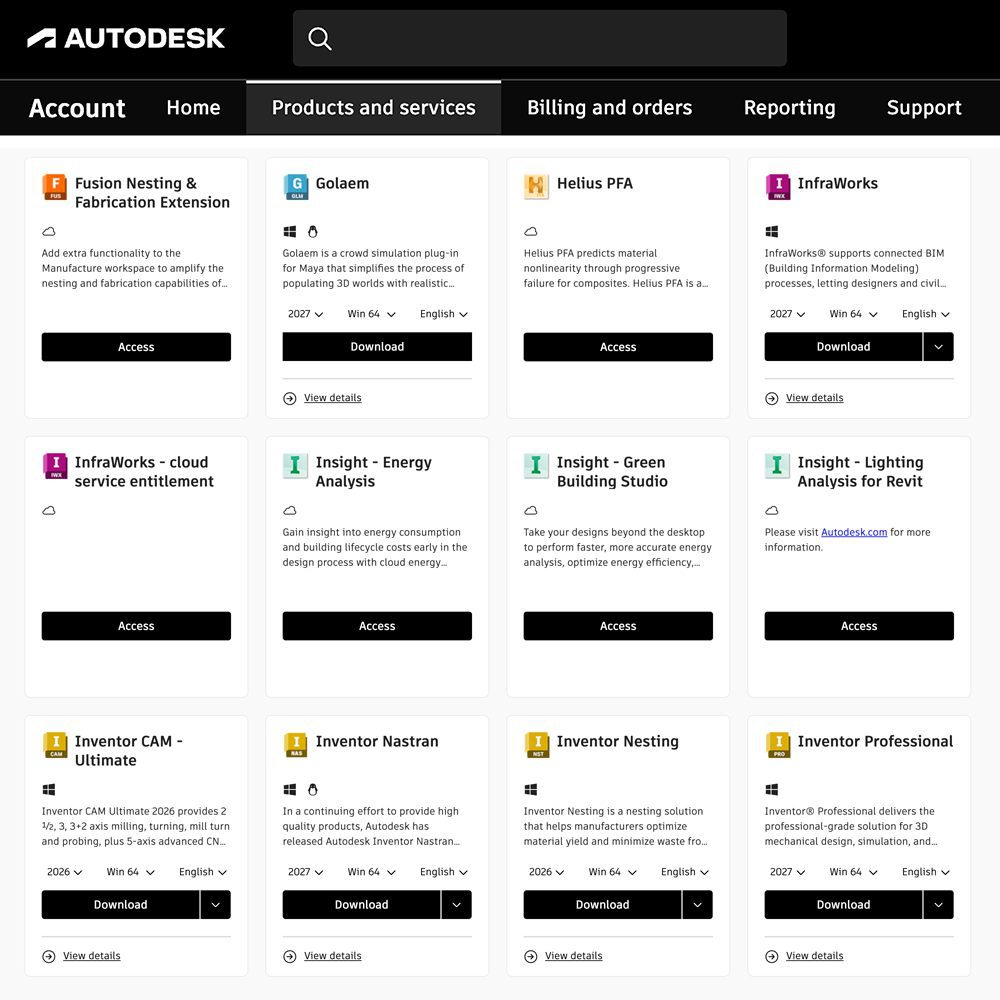
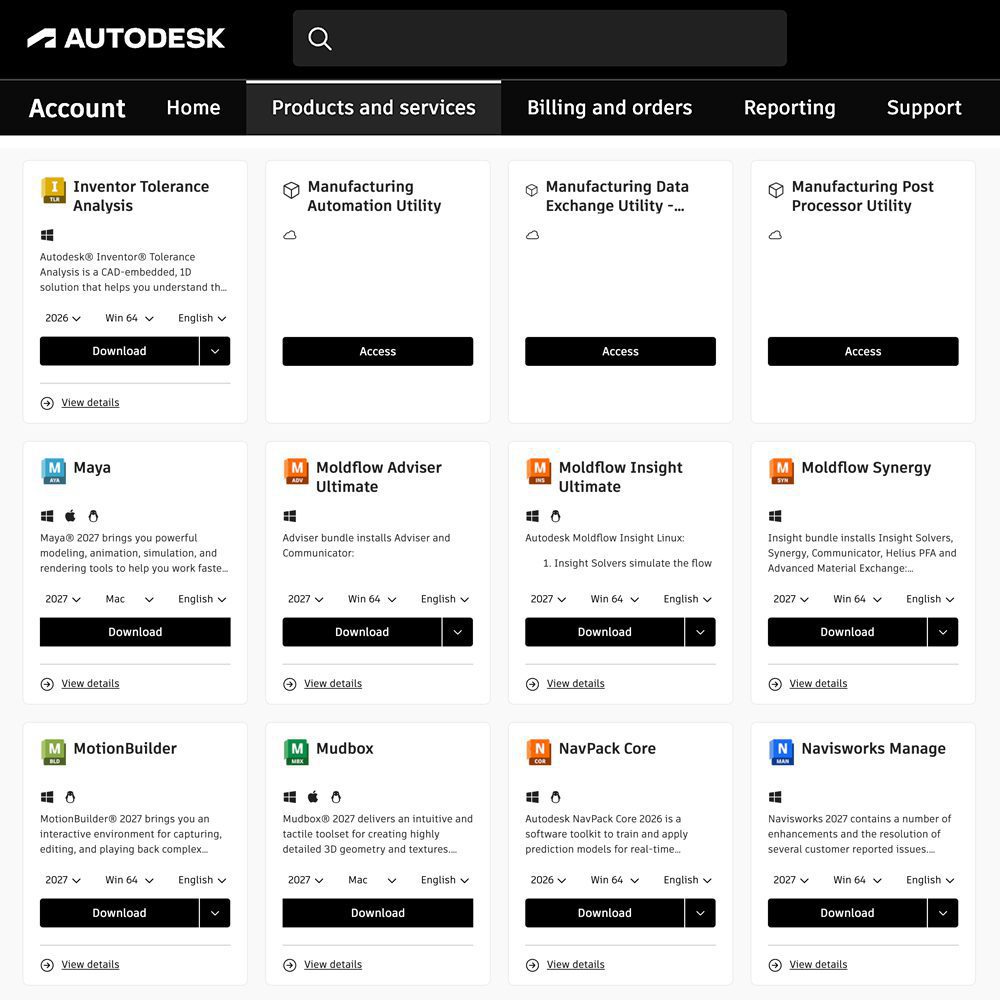
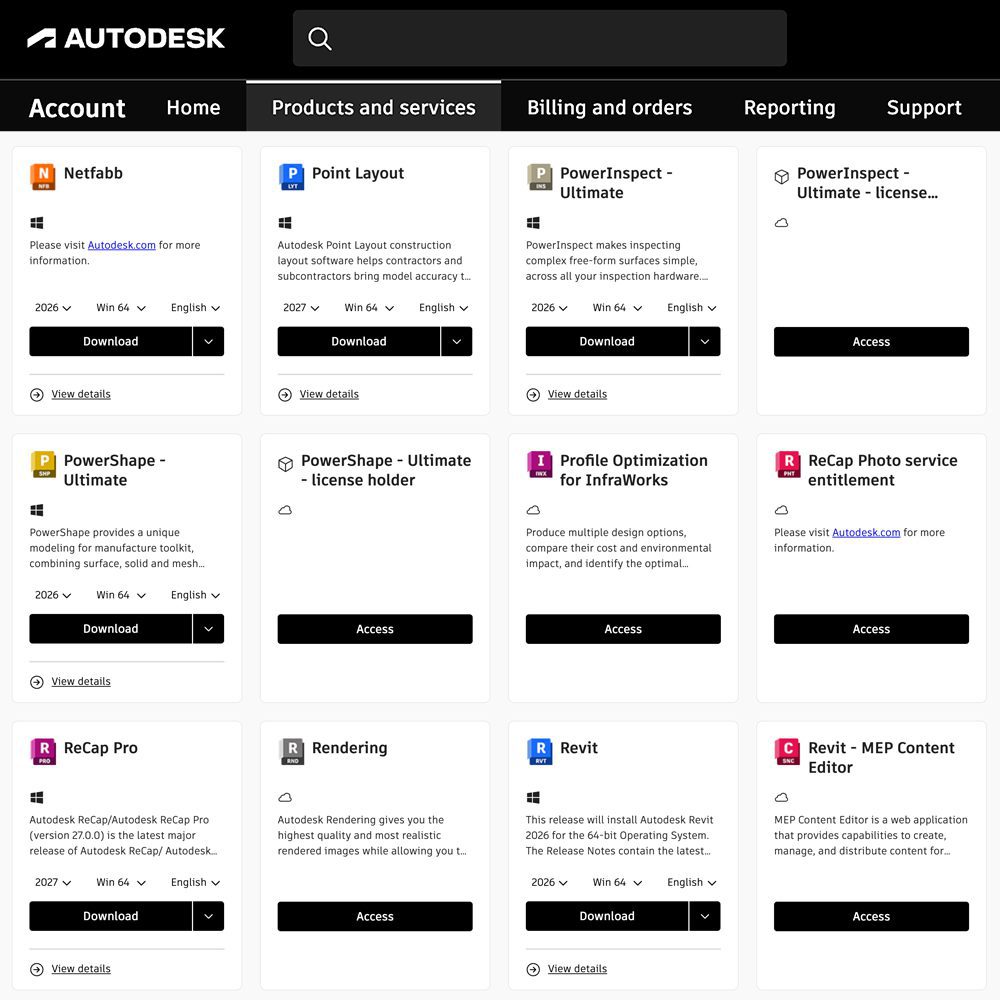
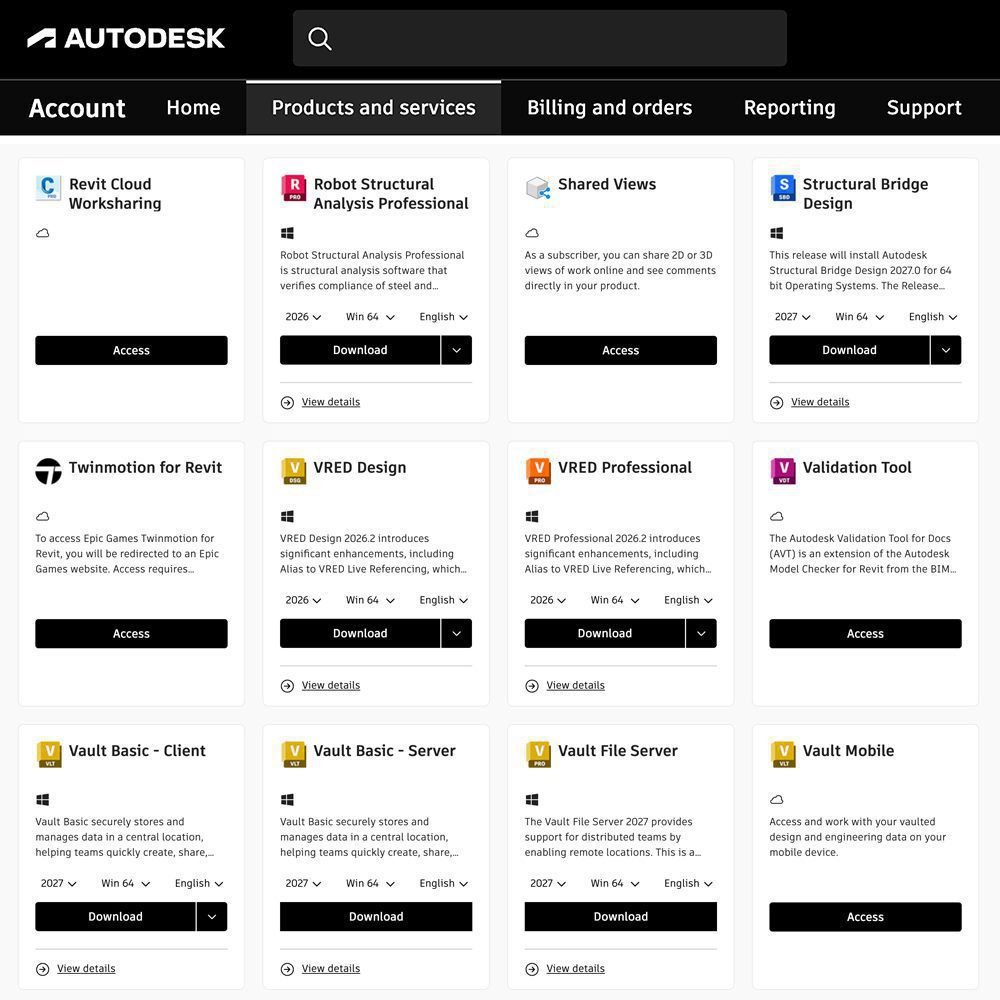
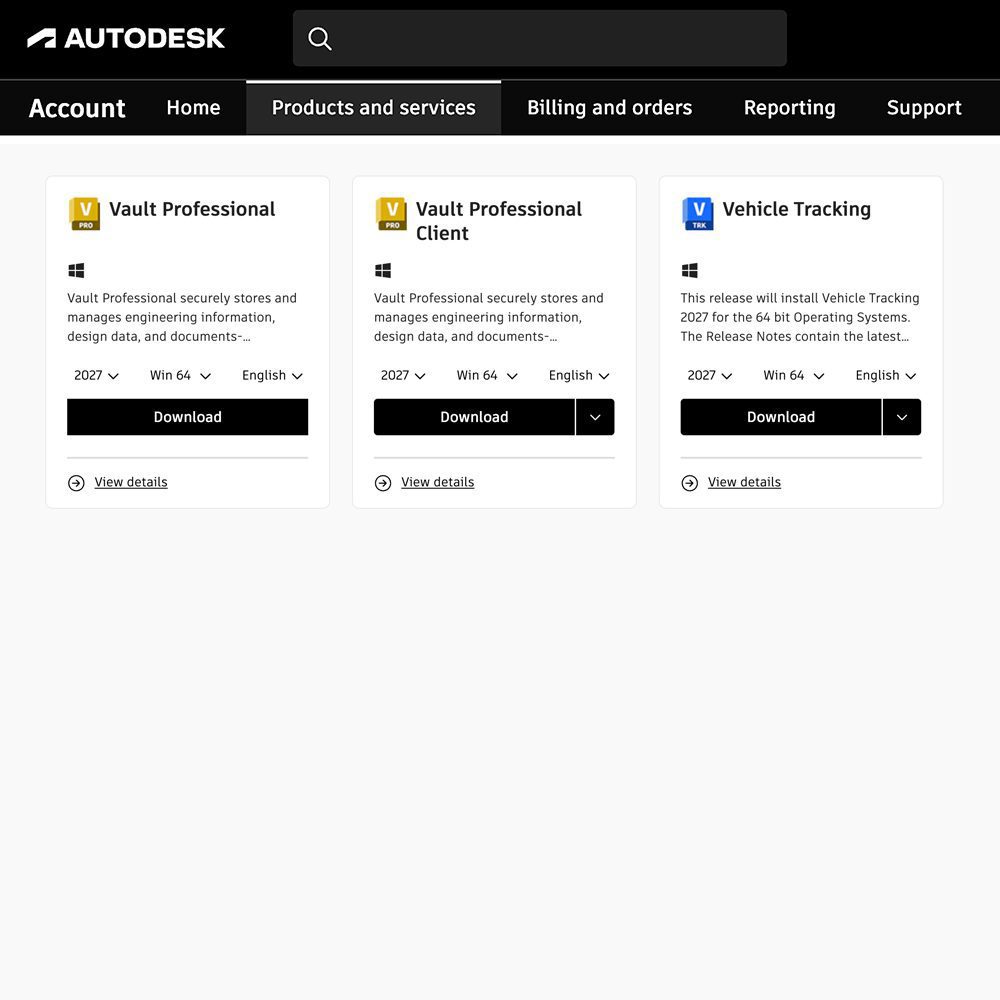
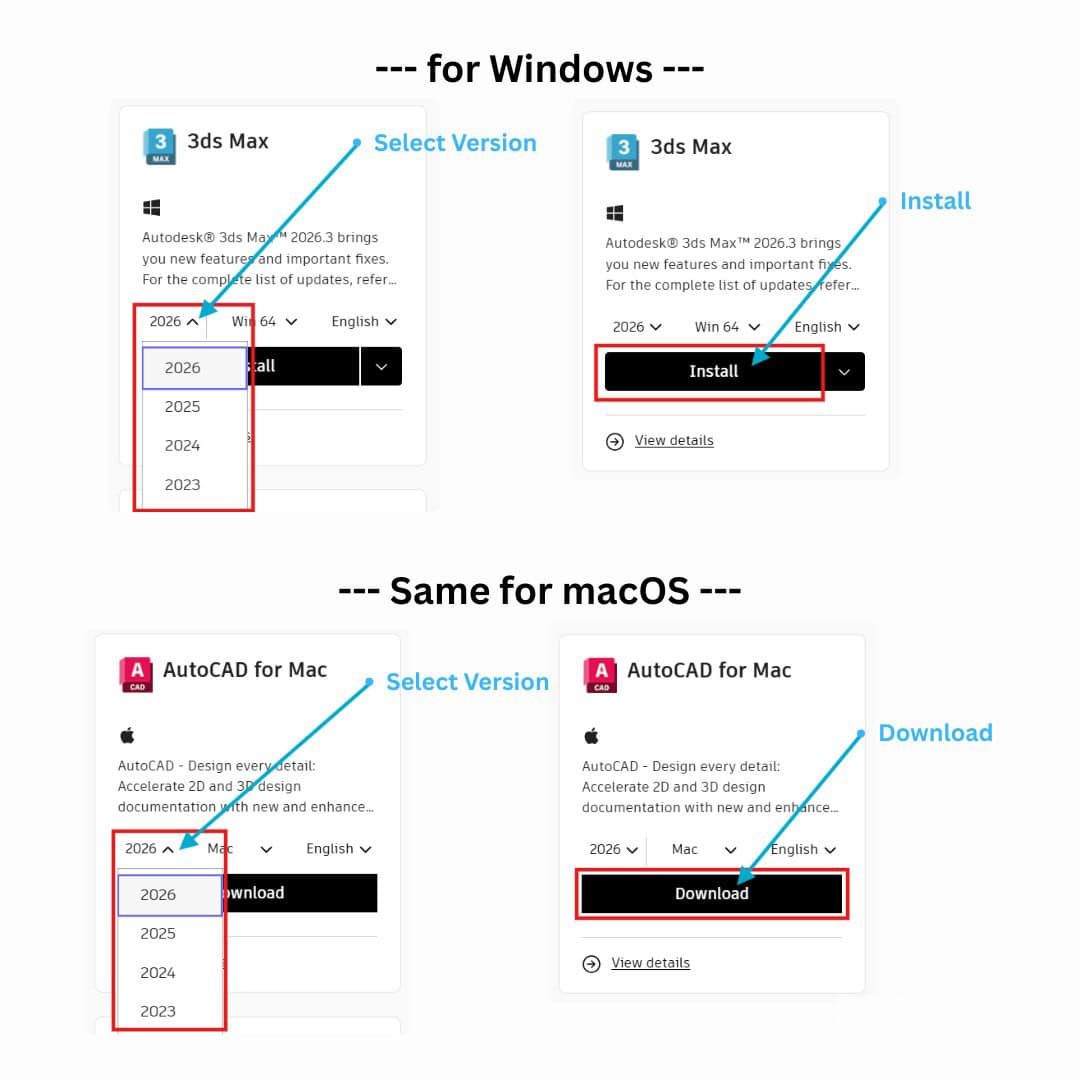
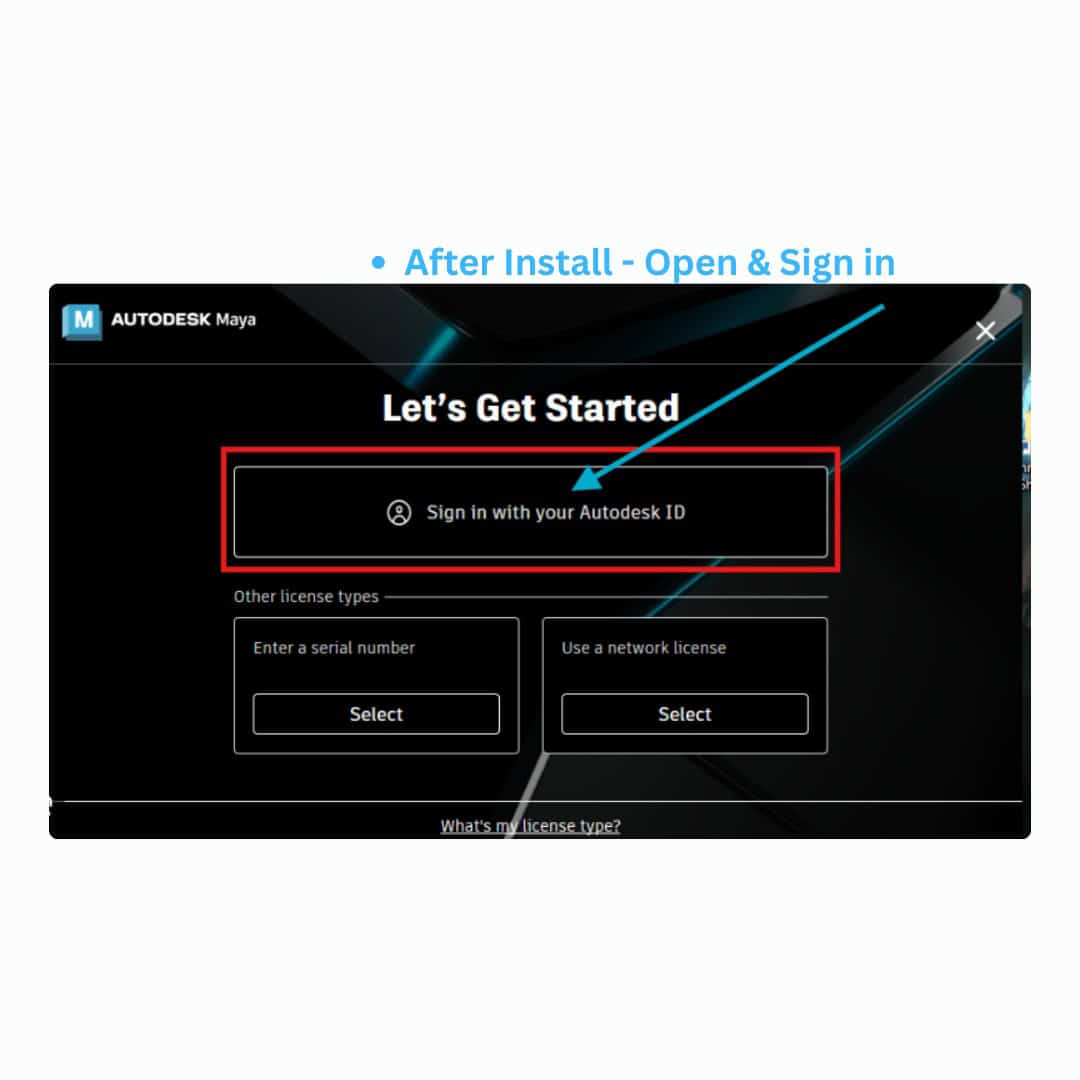
Sign in to your Autodesk account and access the applications included with your plan.
Important: use your Autodesk account email at checkout
The email address entered during checkout is used for account activation.
Please make sure it matches the Autodesk account where you want the subscription to be added.
Please make sure it matches the Autodesk account where you want the subscription to be added.
What you get
✓ Direct account activation
Added to the Autodesk account linked to your checkout email.
Added to the Autodesk account linked to your checkout email.
✓ No password required
You keep control of your own Autodesk account.
You keep control of your own Autodesk account.
✓ Up to 3 devices
Use according to the device terms shown for your selected plan.
Use according to the device terms shown for your selected plan.
✓ Setup guidance included
Instructions are provided to help you get started.
Instructions are provided to help you get started.
Activation times may vary depending on order processing and account conditions.

324 reviews for Autodesk 2027 All Apps – Subscribed to Your Own Account(Up to 3 Devices)