
Description
How Your Autodesk Subscription Works
Activate your subscription using your own Autodesk account in three simple steps.
01
Enter Your Email at Checkout
Enter the email associated with your existing Autodesk account. If you’re new to Autodesk, enter the email you’d like to register with.
02
Receive Your Autodesk Email
The next step depends on whether you already have an Autodesk account.
Already Have an Autodesk Account?
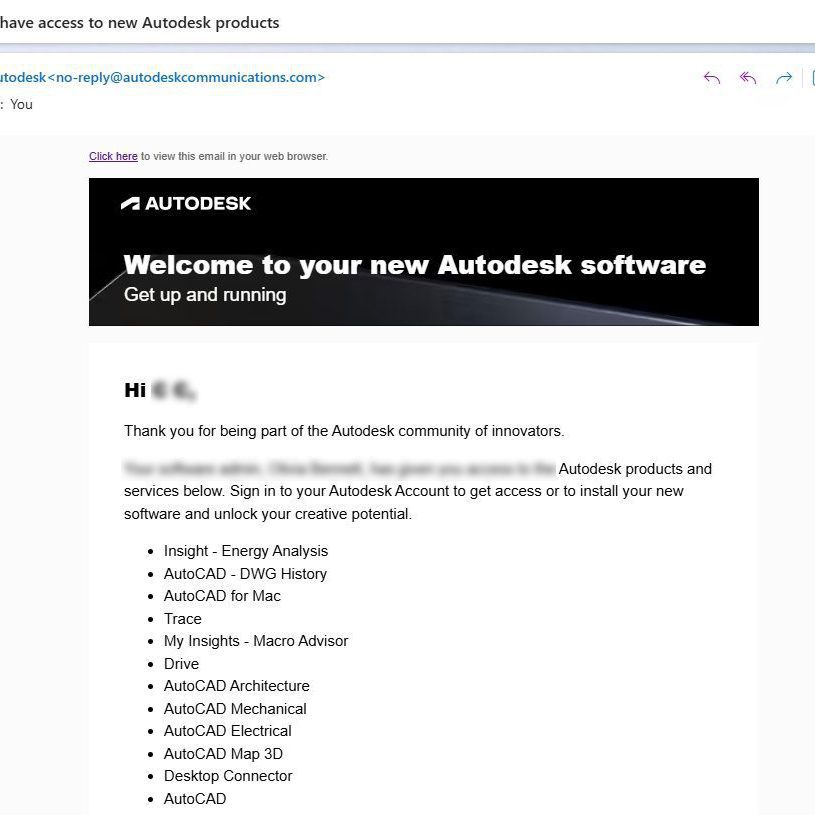
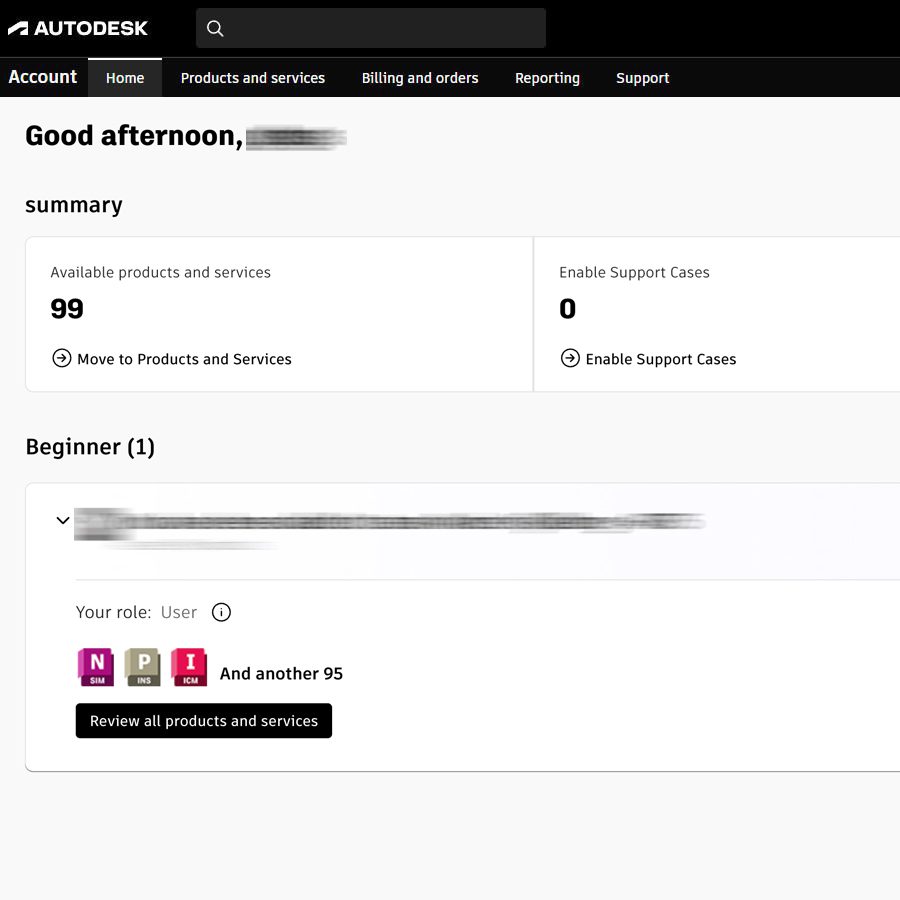
You’ll receive an Autodesk subscription email at your registered email address. Once your subscription is processed, sign in to your existing Autodesk account to access it.
New to Autodesk?
You’ll receive an invitation email from Autodesk. Follow the invitation to create your Autodesk account using the same email address and access your subscription.
Subscription access is usually available within about 5 minutes after your order has been processed.
03
Sign In & Start Using Autodesk
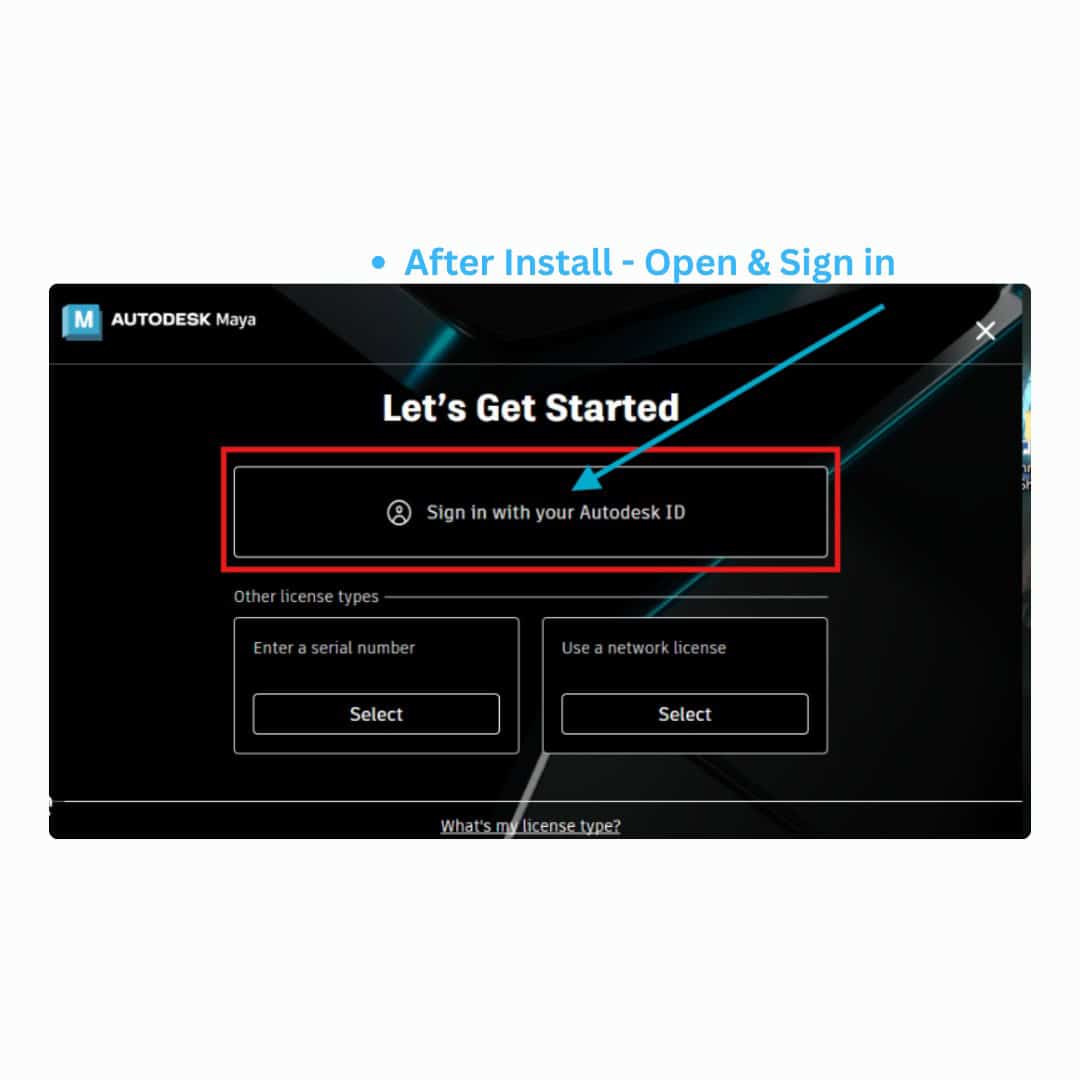
Already installed? Open your Autodesk software and sign in with your account.
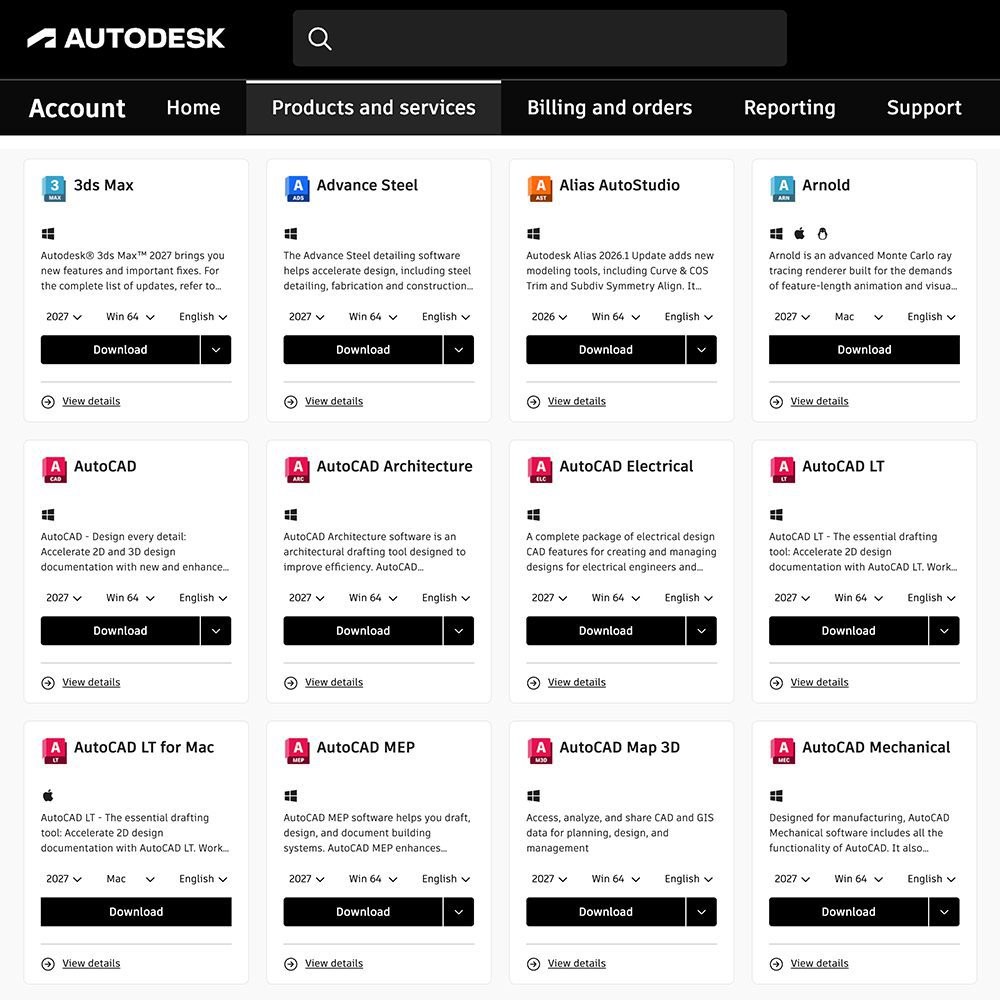
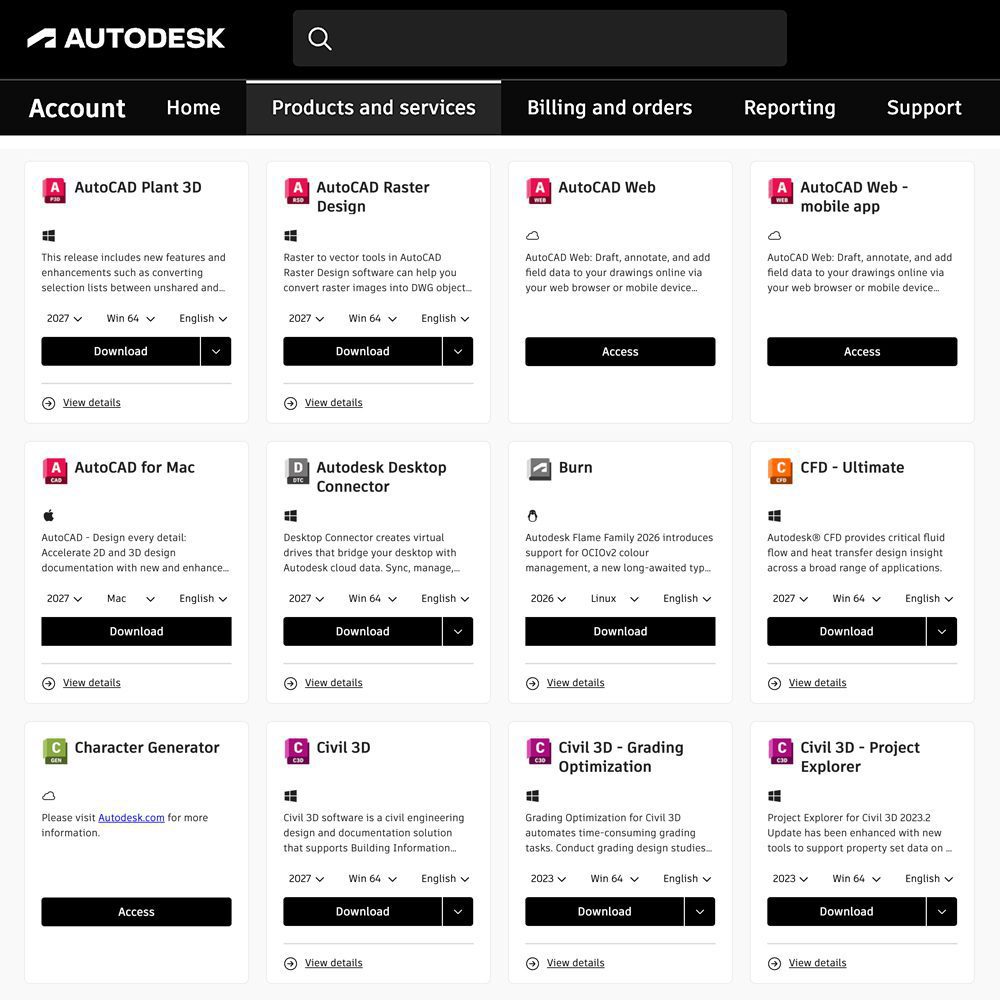
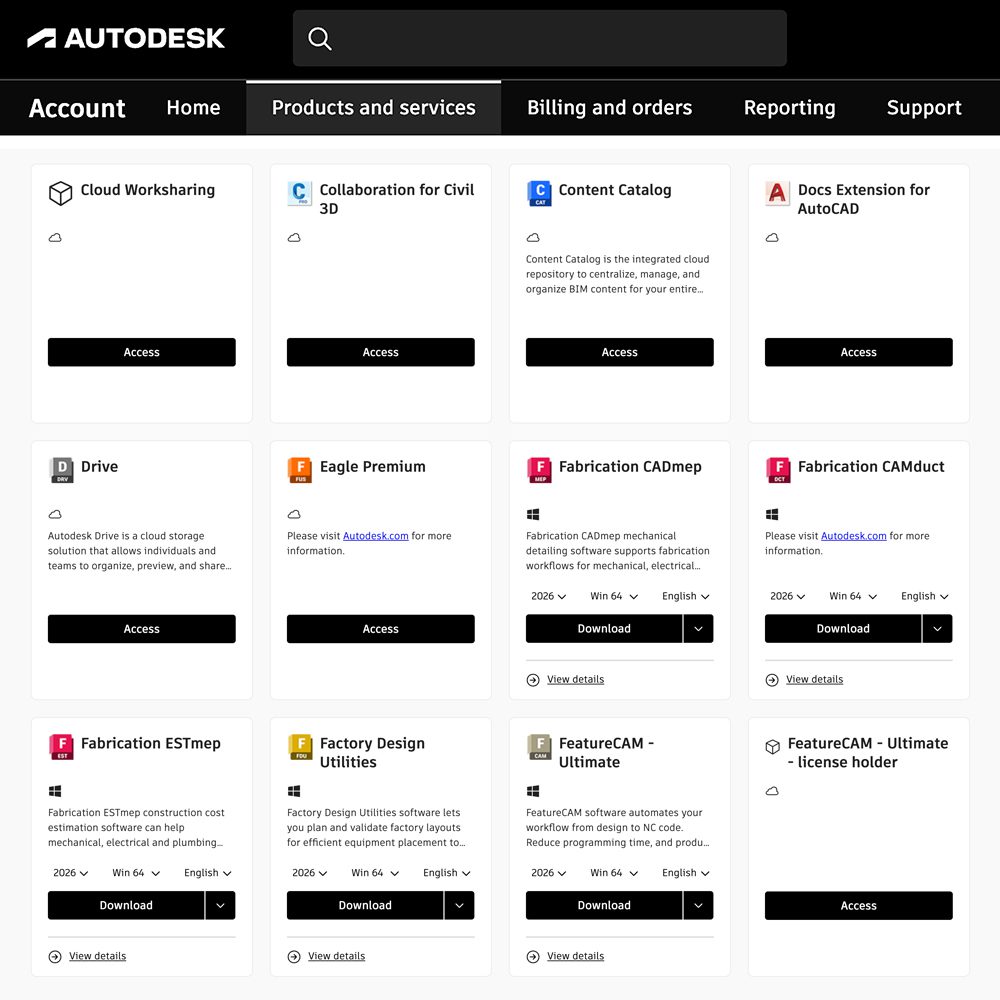
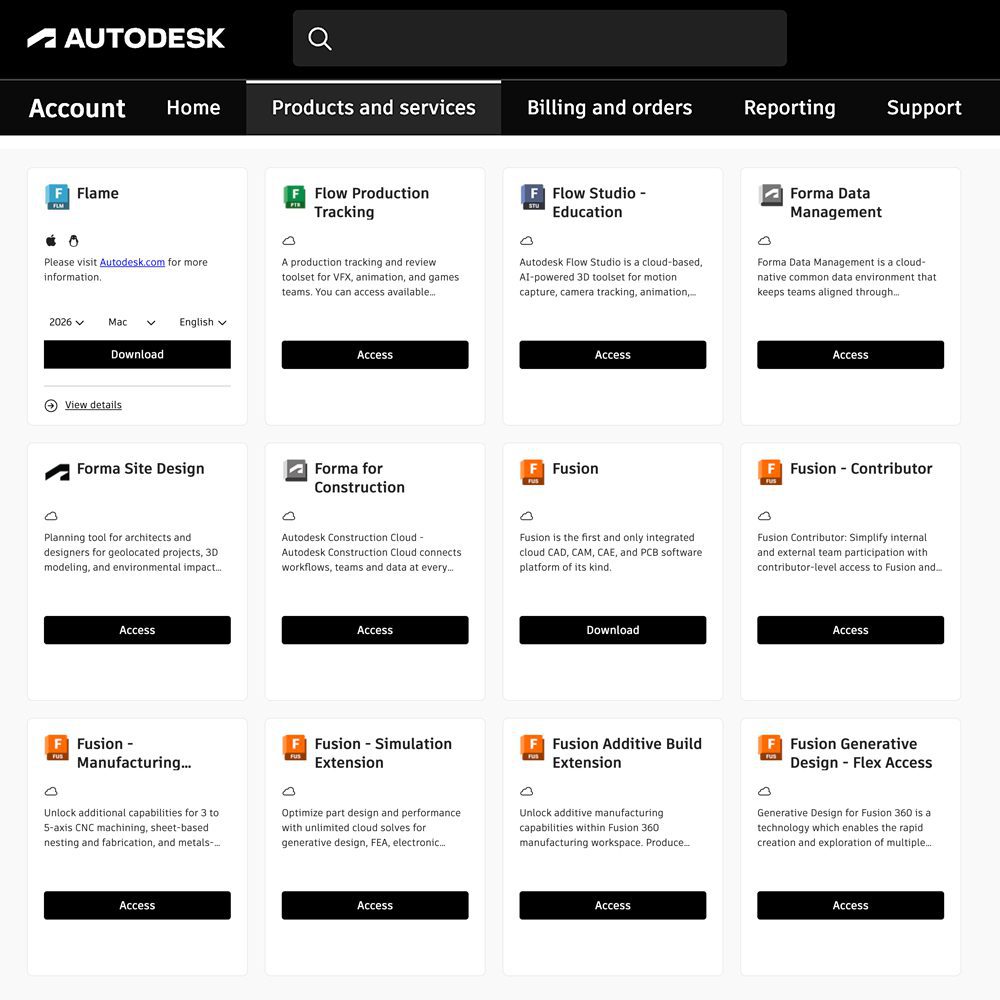
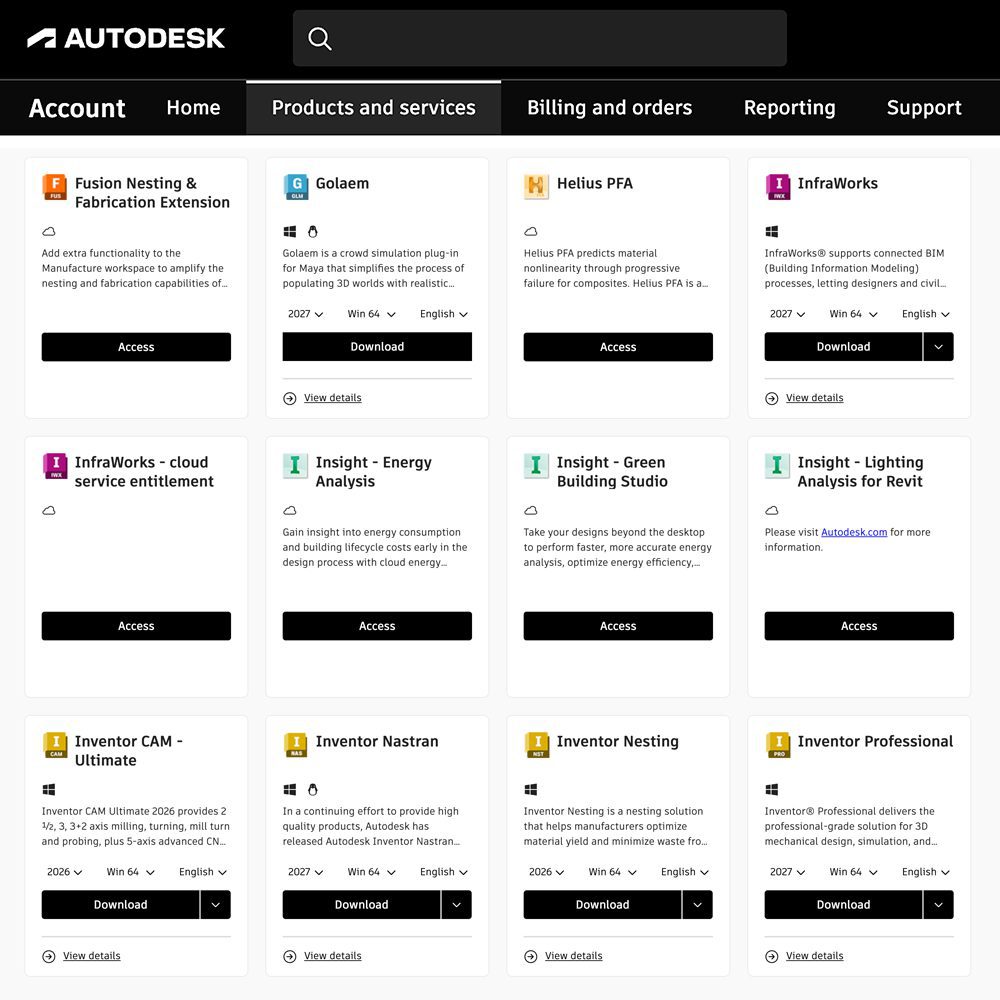
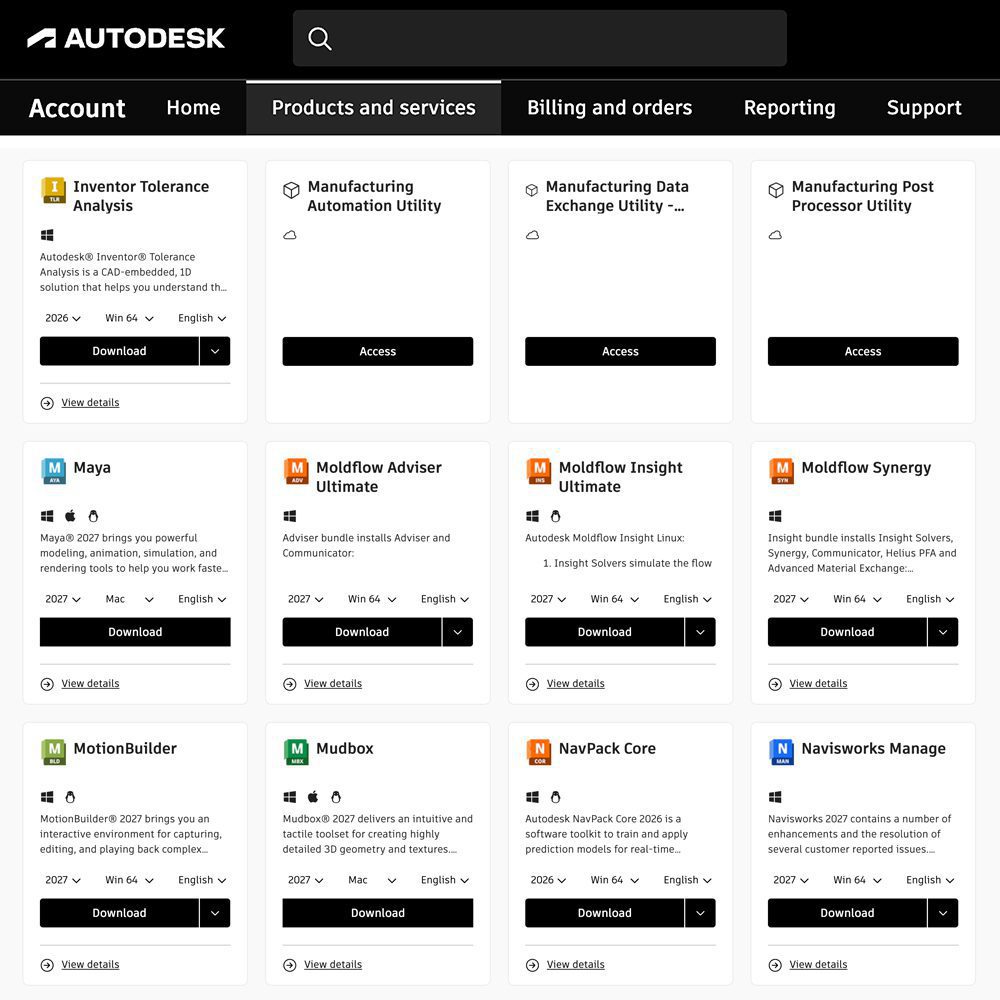
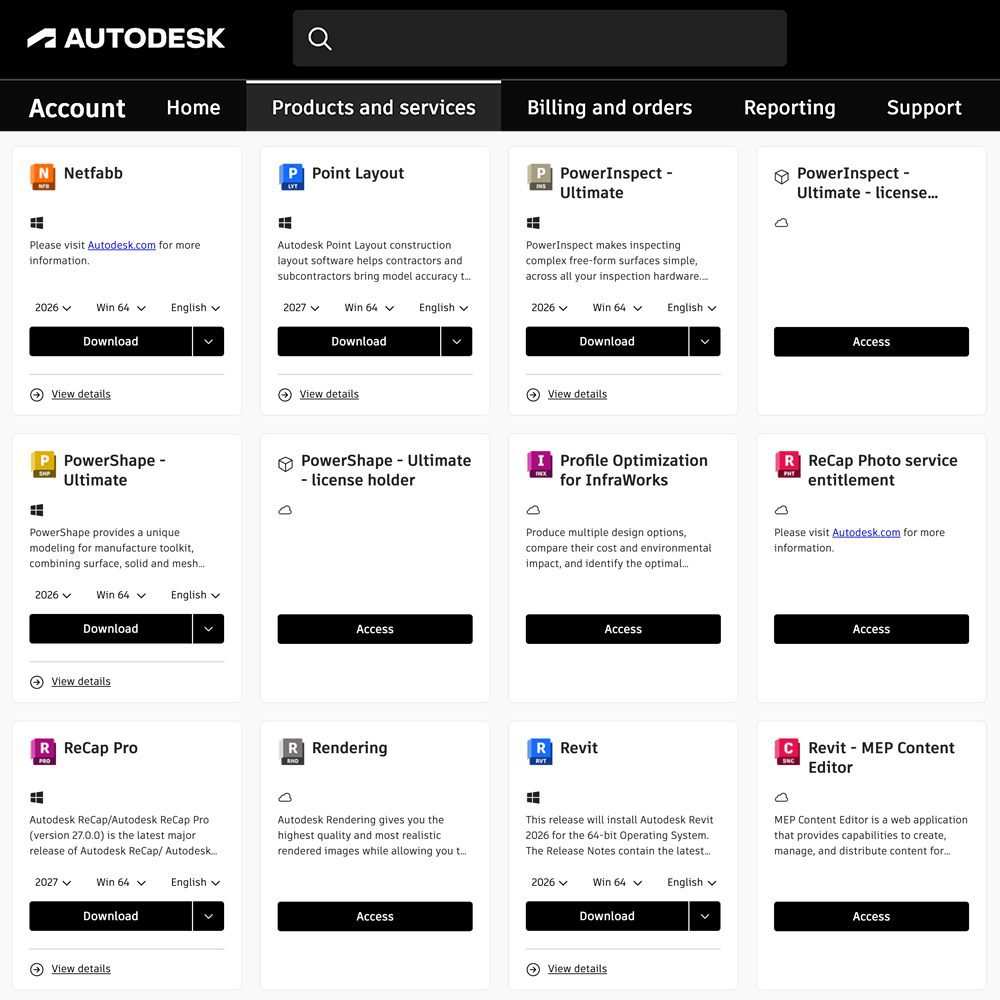
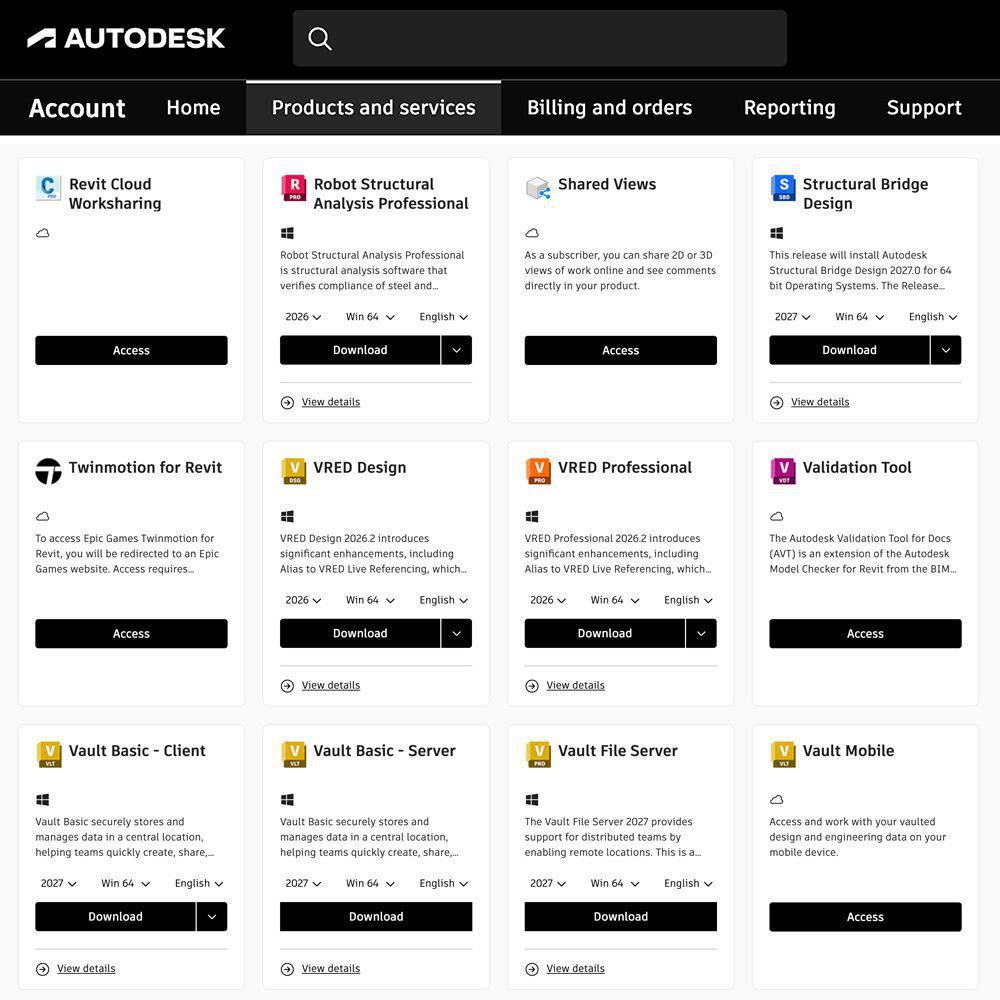
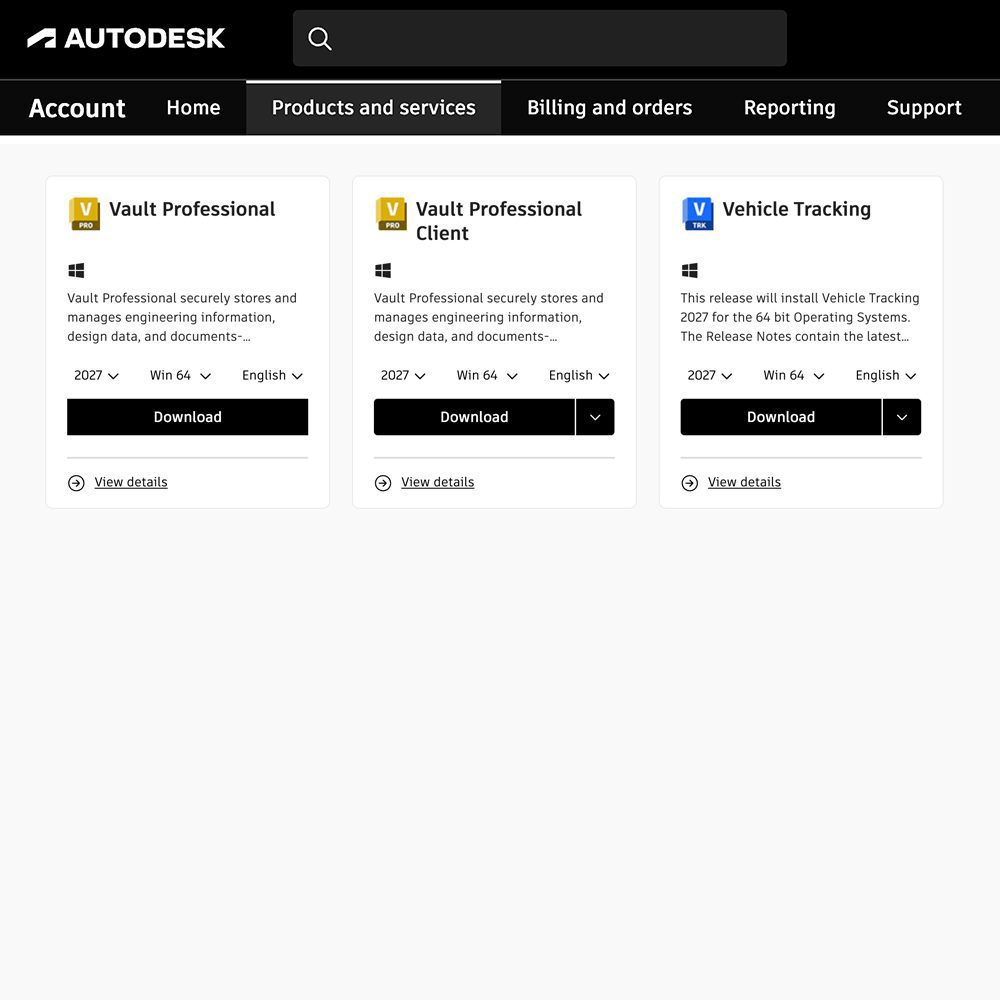
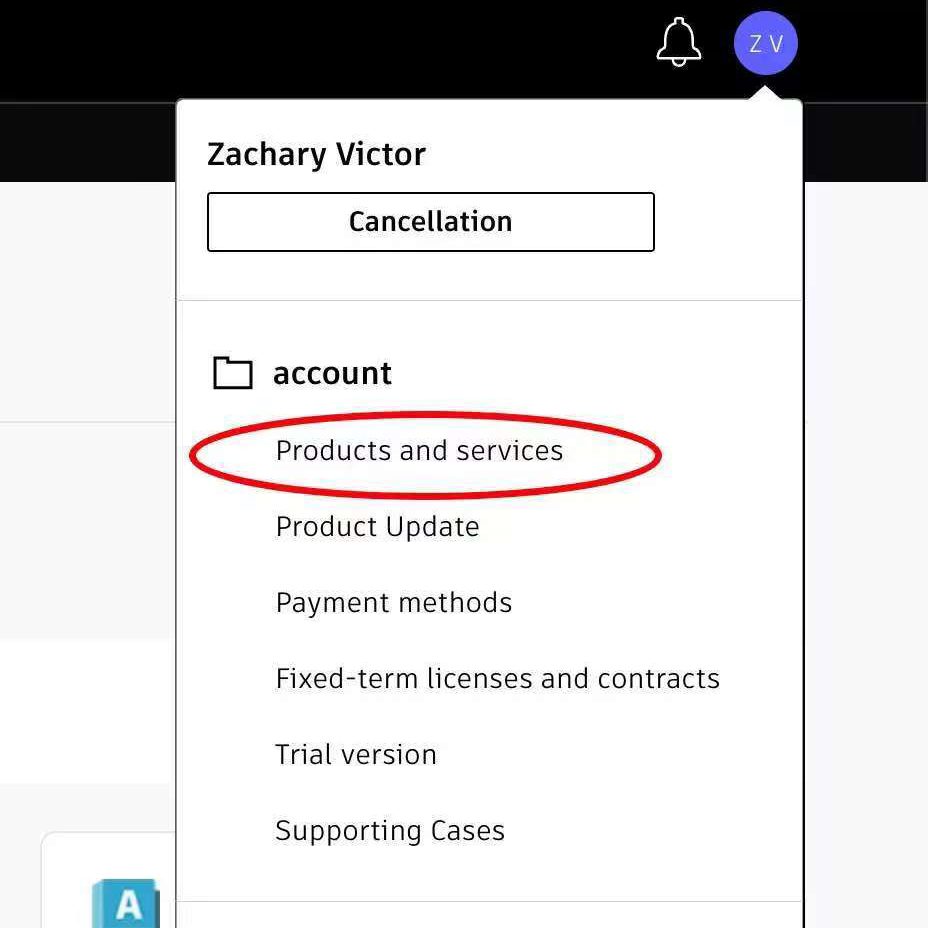
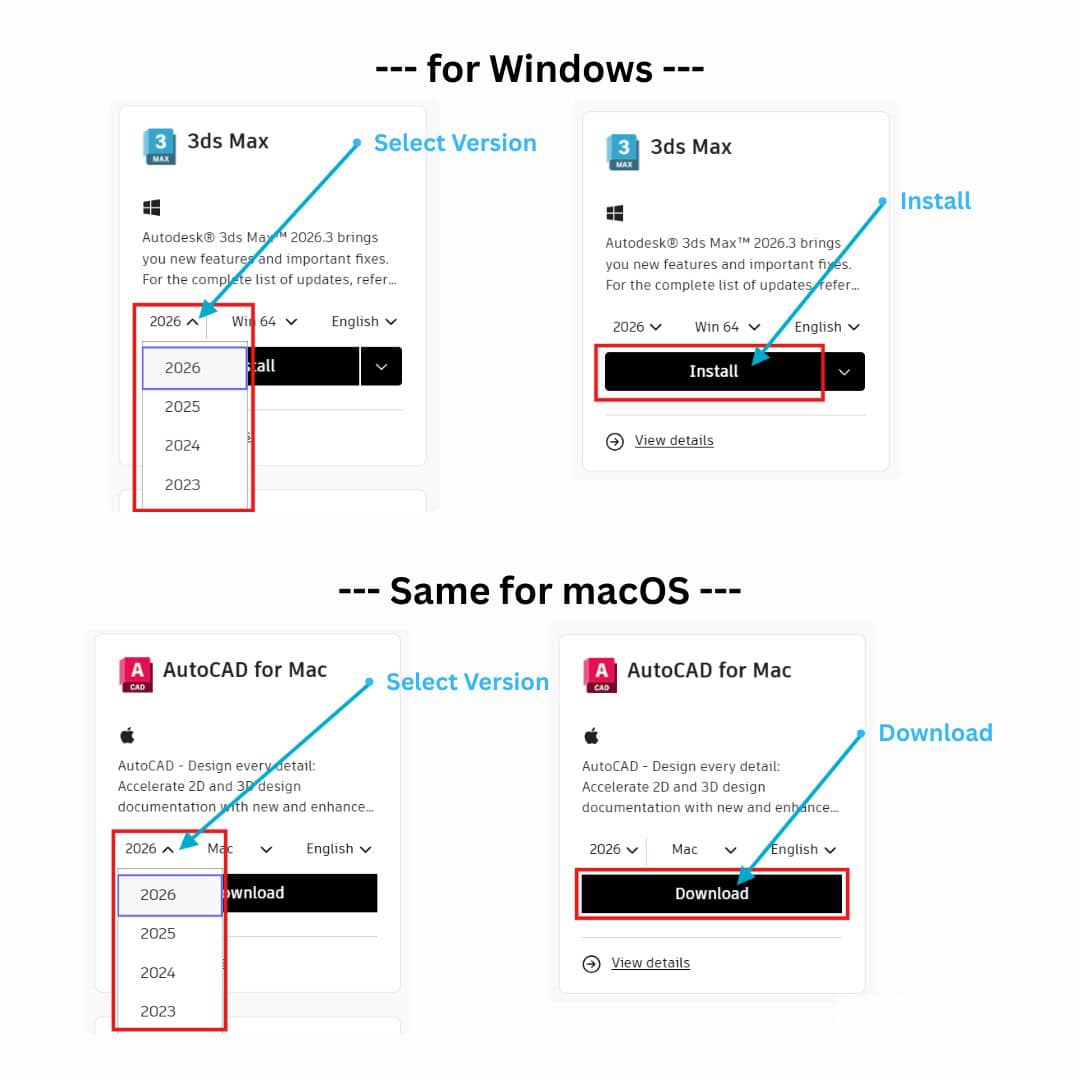
Need to install? Sign in to Autodesk, open Products & Services, and download the applications available with your subscription.
BUY WITH CONFIDENCE
Why Choose SimplyFair?
Professional tools should help you get work done. Your purchase should also come with clear terms, account access and support when you need it.
Secure payment · Subscription-period technical support · 30-day money-back guarantee
324 reviews for Autodesk All Apps 1-5 Years Subscription (Latest 2018-2027 with Multiple Languages) Up to 3 Devices